
A Percentage Calculator helps you find out quickly what a percentage of a number is, how much one value changes against another, or what share a part makes up of a whole. Whether you are checking a sale price, working out a tip, or reading a change in your bank balance, the math is simple once you know the pattern. This guide shows you how to do it yourself and how to use a calculator for the everyday cases.
How to Calculate a Percentage by Hand
A percentage tells you how big one number is compared to a whole, scaled to 100. The basic formula is simple: divide the part by the whole, then multiply by 100. For example, if you got 18 right answers on a 25-question quiz, divide 18 by 25 to get 0.72, then multiply by 100 to get 72%.
- Identify the part. Find the number you want to express as a percentage, such as 18 correct answers.
- Identify the whole. Find the total the part comes from, such as 25 questions.
- Divide the part by the whole. Calculate 18 ÷ 25 = 0.72.
- Multiply by 100. Turn 0.72 into 72%.
Using a Percentage Calculator for Common Tasks
A percentage calculator handles the math for you, so you only need to enter the numbers. Most tools work the same way: you type in your starting value and the percent, then read the answer. Here is how to handle the three tasks people search for most.
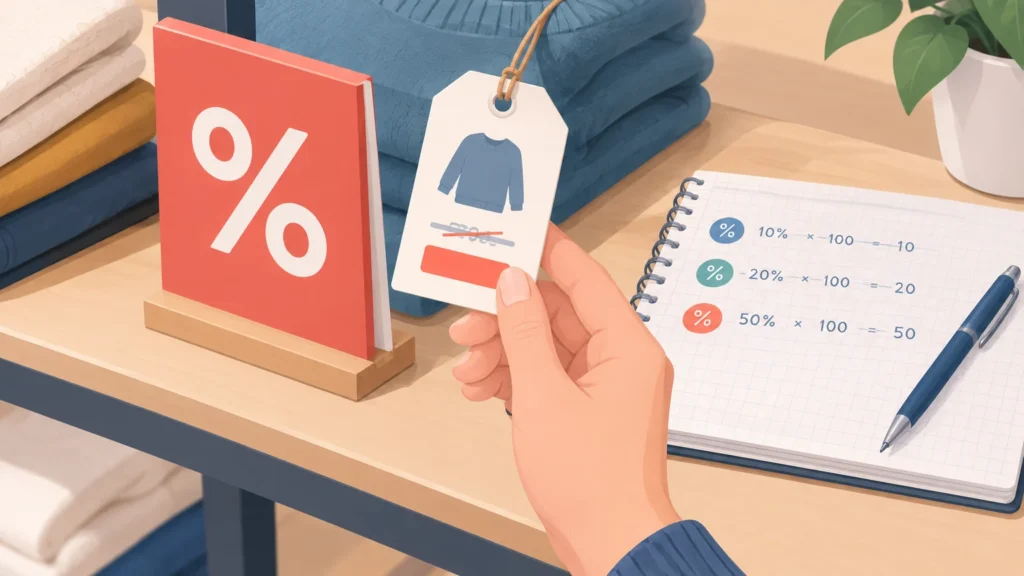
- Percent of a number: Enter the total and the percent to find the part. For example, 15% of 80 is 12.
- Percent increase: Enter the original and new values to see how much something grew, such as a price rising from 50 to 60, a 20% increase.
- Percent decrease: Enter the original and new values to see how much something fell, such as a sale price dropping from 100 to 75, a 25% decrease.
Always check which input goes where, because swapping the original and new values gives a different result.
Percentage Examples in Everyday Life
Percentages show up in almost every shopping trip, restaurant bill and report card. Once you see how they work in real situations, the math becomes much easier to trust.
A 20% discount on a $50 item takes off $10, so you pay $40. Sales tax works the same way: a 7% rate on that $40 adds about $2.80, though the exact rate varies by state and city. A 15% tip on a $60 meal adds $9. Grades follow the same logic, so a student who answers 42 of 50 questions correctly scores 84%.
| Everyday situation | Starting amount | Percentage | Result |
|---|---|---|---|
| Sale discount | $50 | 20% off | $40 final price |
| Sales tax | $40 | 7% added | About $42.80 total |
| Restaurant tip | $60 | 15% added | $9 tip |
| Test score | 50 questions | 42 correct | 84% |
Tax rates differ across the United States, so check your local rate with your state or city revenue office before you rely on any estimate.
Tips to Avoid Common Percentage Mistakes
Most percentage errors come from two habits: picking the wrong base value and moving decimals the wrong way. Always ask, “Percent of what?” The number you divide by is the whole, and getting it wrong throws off the entire answer. Converting carefully matters too, because 0.25 is 25 percent, not 2.5 percent.
- Confirm which number is the base before you calculate.
- Move the decimal two places when converting between decimals and percents.
- Check that your answer is a sensible size for the numbers you started with.
To double-check, reverse the math. If 20 percent of 150 is 30, then 30 divided by 150 should give you 0.20 back.
Key Takeaways
- To find a percentage by hand, divide the part by the whole and multiply by 100.
- A percentage calculator handles everyday tasks like tips, sales tax, and discounts in seconds.
- Percentage increase and percentage decrease both compare a new value to an original value.
- Always check that you are using the right base number, since that is the most common source of errors.
Frequently Asked Questions About Percentage Calculator
What is Percentage Calculator?
A Percentage Calculator is a tool that works out percentage problems for you. You enter two of the three numbers involved, such as a part, a whole, or a rate, and it returns the missing value. It saves time on tips, discounts, sales tax, and change between two numbers.
How does Percentage Calculator work?
The tool applies the standard percentage formulas behind the scenes. For example, it divides a part by a whole and multiplies by 100 to find a percentage. You type in your numbers, and the result appears right away, so you do not have to do the math yourself.
Is Percentage Calculator worth it?
For quick, everyday questions, it is usually worth using. It is faster than working out each problem by hand and reduces simple arithmetic slips. For complex calculations or formal reports, it helps to understand the formula too, so you can confirm the result makes sense.
What should I know before trying Percentage Calculator?
Know which number is the whole or base before you start, because that choice changes the answer. Also decide whether you need a percentage of a number, a percentage change, or a percentage of a total. Once you know your goal, the right input fields become clear.
How do I calculate a percentage increase or decrease by hand?
Divide the difference between the new and original values by the original value, then multiply by 100 to get the percent change. A positive result means an increase and a negative result means a decrease. For example, going from 40 to 50 is a 25 percent increase because 10 divided by 40 is 0.25.
References & Further Reading
- IRS – Internal Revenue Service
- National Institute of Standards and Technology – NIST
- Khan Academy – Khan Academy
About This Article
This guide was written with AI assistance from publicly available information. Prices, nutrition values and availability can change, so confirm important details with the official source before you decide.
Pingback: Unit Converter: Free Online Tool for Every Measurement
Pingback: Best Statistics Calculator Tools Compared
Pingback: Area and Perimeter Calculator (Free and Easy to Use)
Pingback: Linear Equation Solver: Step-by-Step Guide
Pingback: Factoring Calculator: Estimate Your Costs